
LED POSTER FRAMES
Light up
your space.
Across
the bar.
Your
wall.
Through
the crowd.
Your
image.
Through
the glass.
We bring
the light.
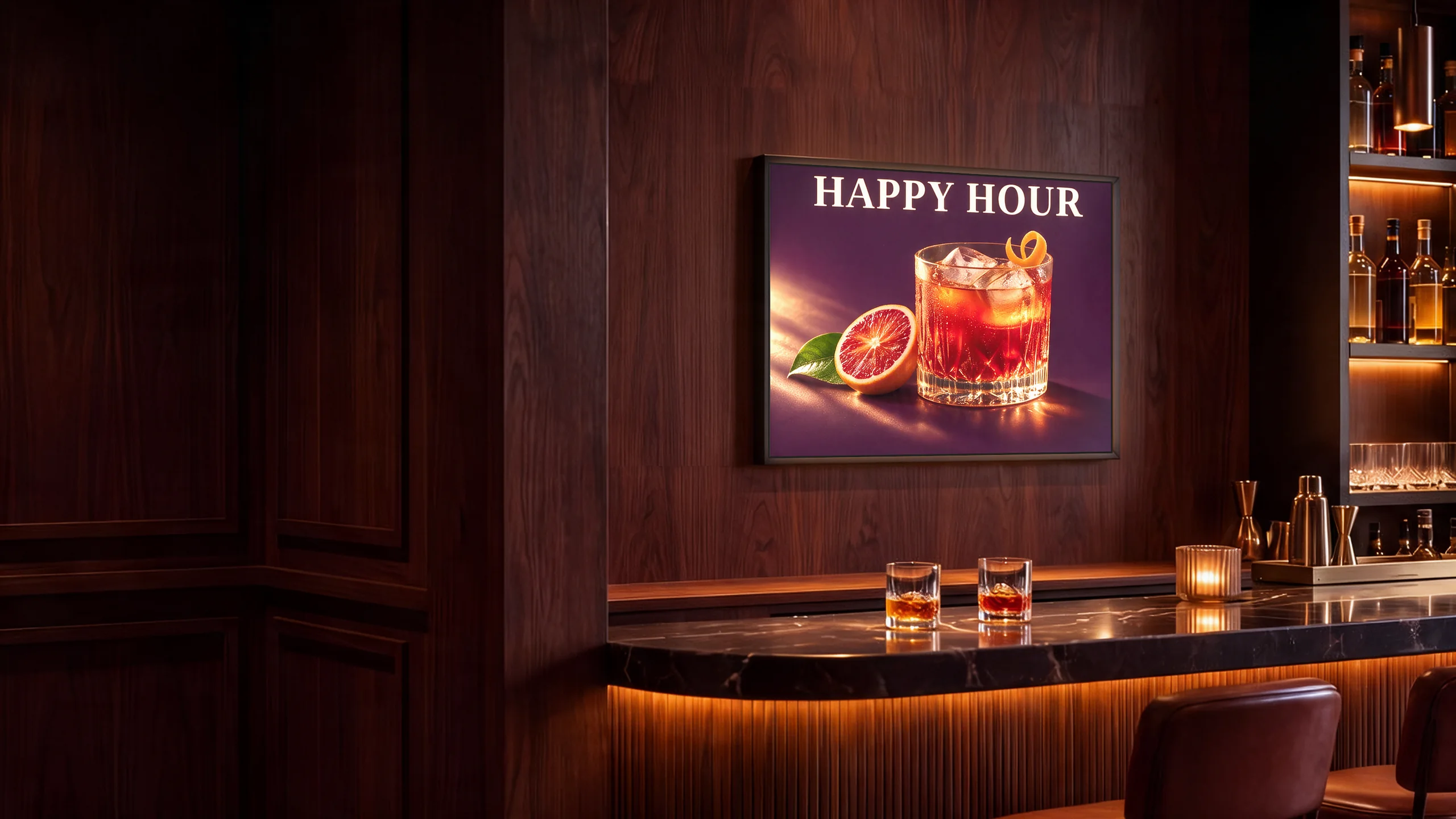
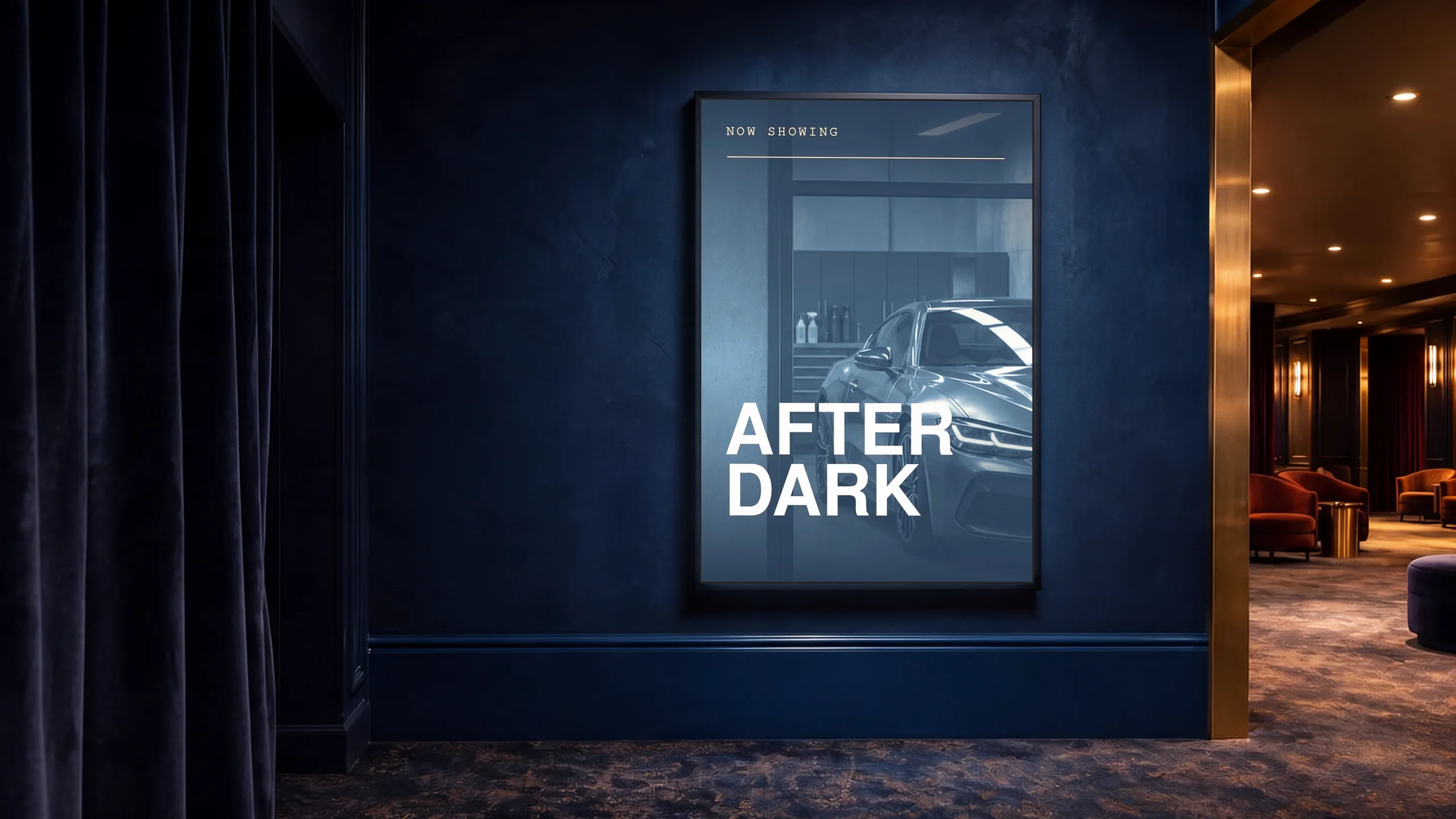
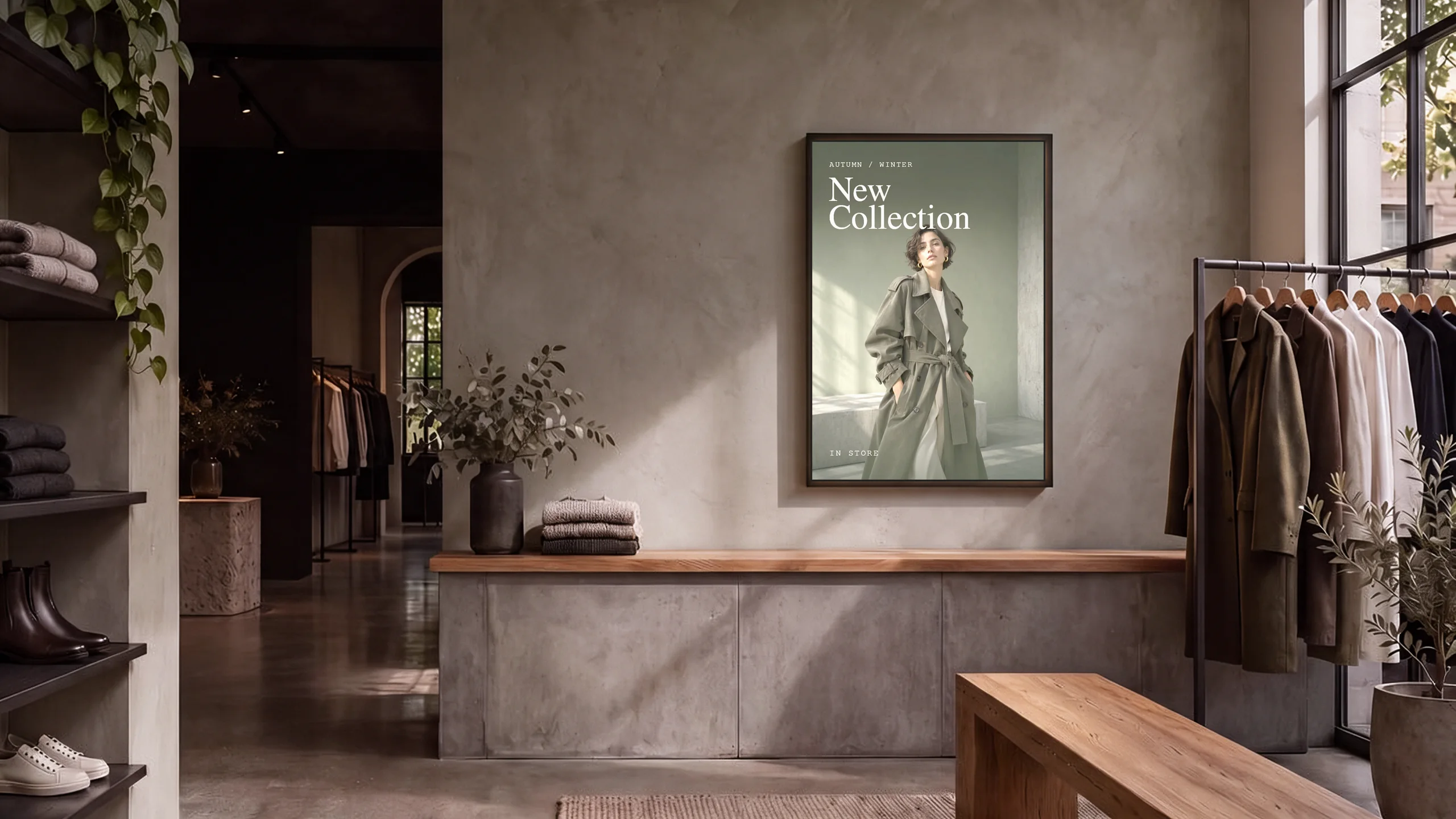
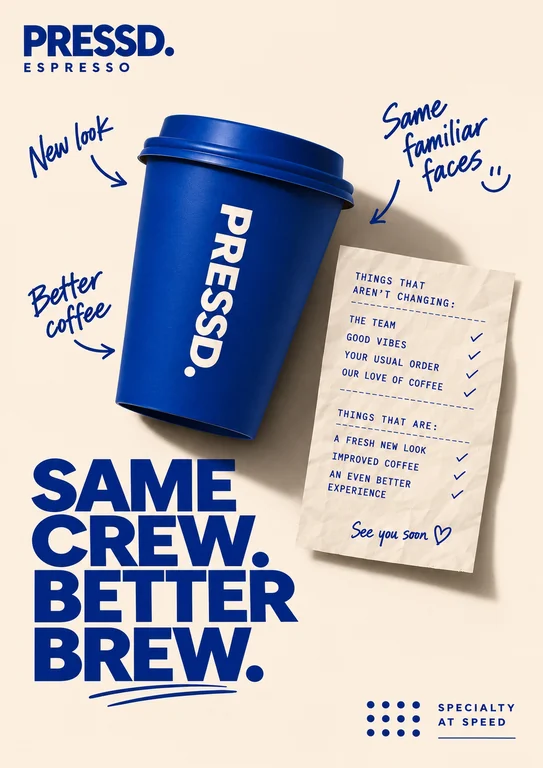
A busy café. One unmistakable cup. Start with two things you already have. Spot the house cocktail from your seat. That spot just above the bar. Let the film title stand out in the foyer. The shot you’d love to see at poster size. Take your collection all the way to the street. Your print in a slim Lightstra LED frame.
Choose a FrameTHE SHOWROOM
See every size
in a different light.
Explore all nine formats for menus, promotions and window displays.
Choose your frame.
Pick a size and try a poster in the frame.
A-series
Extended sizes
- Outer frame
- 435 × 600 mm
- Poster size
- 420 × 594 mm
- Power
- 13.5 W
- Adapter
- 12 V DC · 1.5 A Supplier rating to be confirmed.


HAPPY HOUR
Put your specials in the spotlight.
Give your drinks offer one image and a time guests can read at a glance.
KITCHEN OPEN ALL DAY
Make your hours easy to spot.
Use the backlit print for the details people look for as they walk past.
BREAKFAST ’TIL 5PM
Show guests what’s on the menu.
Use the full artwork to show the dish, serving hours and venue branding.
Choose a frame. Add your print.
Slim LED frames in A-series and extended sizes. Add custom poster printing in Melbourne.
Explore more showrooms
LIGHTSTRA IN USE
Explore Showrooms.
Walk through five concept spaces and see how illuminated A1–A4 poster frames look together, on the glass and inside.
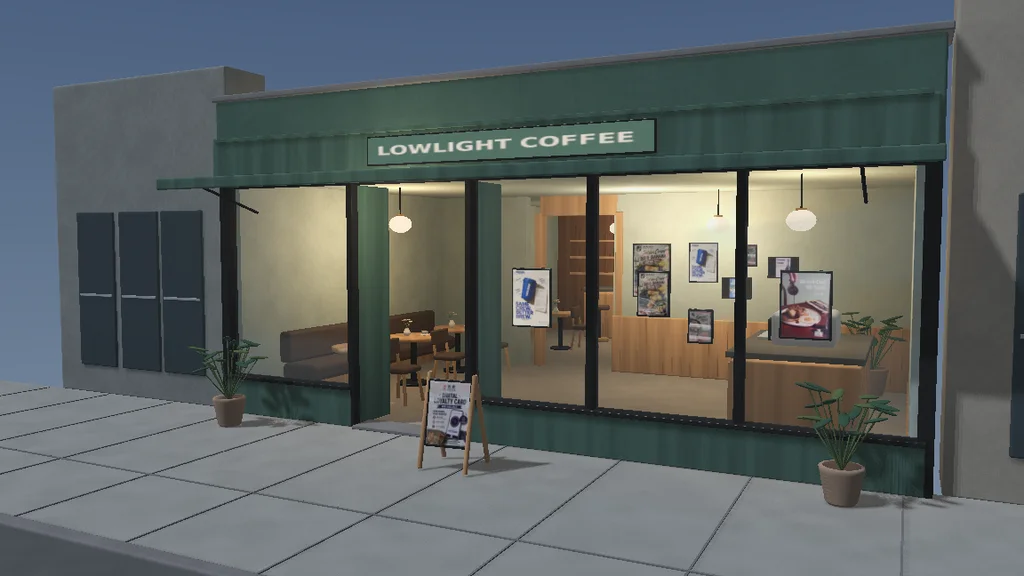
Café & bar
-
Café & bar
Coffee, lunch offers and loyalty posters from photographed shopfronts.
-
Property leasing
Photographed Melbourne listings, displayed in the window and around the consultation desk.
-
Casino foyer
Live show posters on the glass and event schedules by the ticket desk.
-
Automotive
A model launch in the window and vehicle specifications beside the coupé.
-
Butcher shop
Weekly specials on the glass, seasonal cuts and ordering details by the counter.
Freestanding signs are future product concepts.
Explore original posters.
Try restored poster designs in your frame. Upload your own print-ready artwork for production.
Opens in Poster Studio.
POSTER STUDIO
Make it yours.
Preview a restored poster or upload your own artwork. Check how it sits in the selected frame.
Poster designs use their original orientation.
The poster title can be added to the prompt. AI image generation is disabled in this demo.
JPG, PNG or WebP. Previewed on your device.
Adjust artwork
MELBOURNE, AUSTRALIA
Review your order.
Review your frame and print selection before adding it to your cart.

Artwork Guide.
Match your artwork to your selected size and orientation. Preview JPG, PNG or WebP in the Poster Studio.
Contact & Bulk Quotes.
Enquiries are available after the Shopify store is connected.
Find the right fit.
Guides for choosing, printing and displaying your posters.
What size LED poster frame do I need?Compare A1–A4 for windows, walls and displays customers read up close.
Start with the distance your customer will read from. A1 (594 × 841 mm) suits a large promotional message viewed through a shopfront. A2 (420 × 594 mm) works for a featured offer or a short menu. A3 (297 × 420 mm) suits queue areas and service counters. A4 (210 × 297 mm) is best for details people read up close.
These are poster dimensions. Check the finished frame dimensions, mounting surface and power access before choosing a location. Print the proposed headline on paper and stand where a customer would stand to check readability.
Compare framesHow to prepare artwork for a backlit posterSet the right dimensions, keep important text clear of the edges and check the file before printing.
Match your document to the selected paper size and orientation. Use a high-resolution image at its final printed size and keep important text and logos away from the edges. A print-ready PDF is a good way to preserve type and layout. Ask about bleed before exporting artwork with graphics that run to the edge.
Use the Poster Studio to see how the artwork sits in a frame. Check the original file at full size, especially small type and fine lines. For repeat orders, save the original file and note the frame size and orientation.
Open Poster StudioWhere to place illuminated posters in a shopfrontPlan what customers should see from the footpath, at the entrance and inside.
Give each position one job. A front window can show a headline offer. At the entrance, a smaller frame can show the next step, such as a menu, opening hours or a QR code. Inside, repeat the design on smaller posters where customers wait or decide what to order.
Check reflections in the glass at the time of day your shop is busiest. Test the viewing angle from the footpath and leave a clear sight line past furniture or window displays. Check mounting and power access before ordering, and confirm whether your chosen frame is rated for the exact installation conditions.
Explore the showrooms